Kept.

The AI life planner for Claude

Less organizing. More living.

Kept is the life dashboard that fills itself in. Tell Claude about your day in plain words, and your tasks, habits, goals and journal update themselves.

No Notion needed5-minute setupOne-time purchase
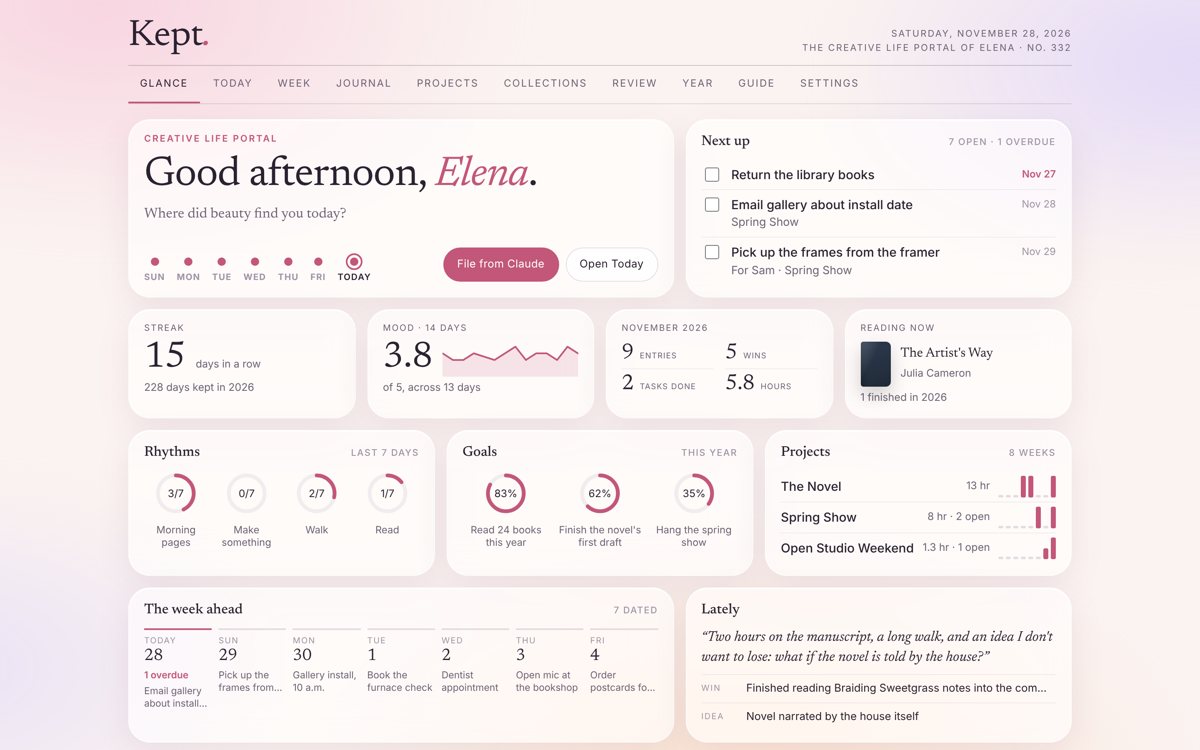
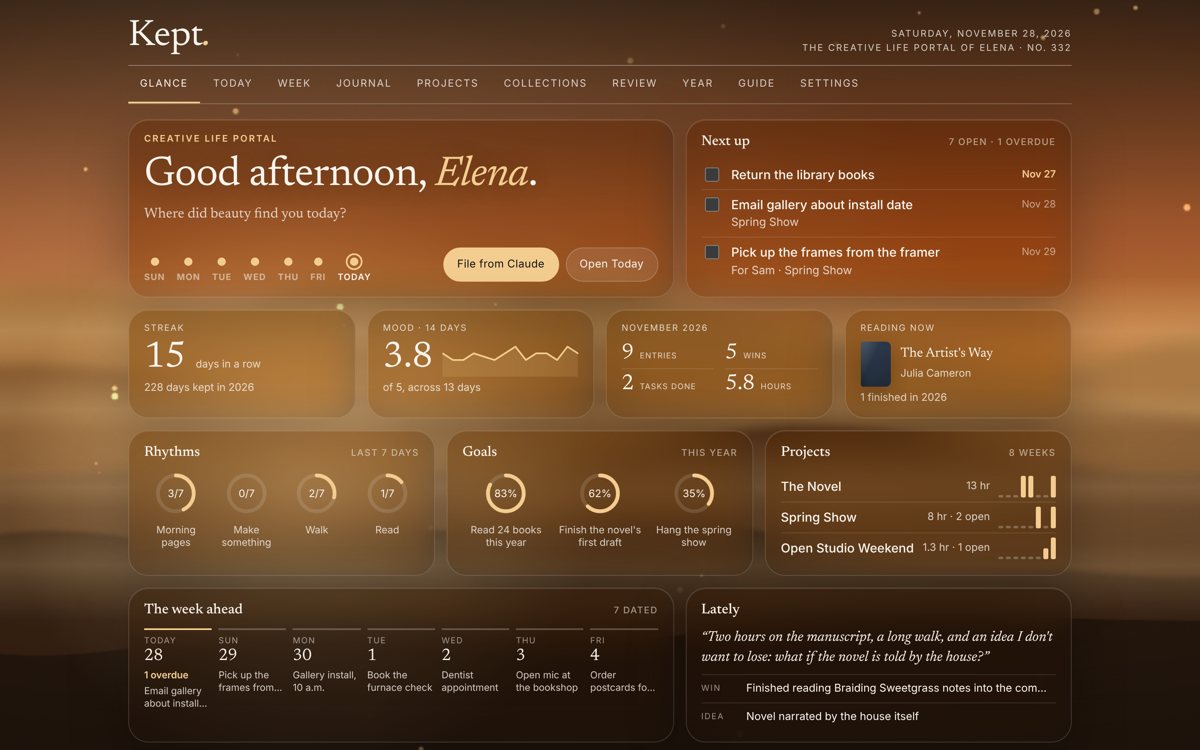
The Kept dashboard: a greeting, next tasks, streak, mood line, habit and goal rings, projects and the week ahead on one screen

Live demo

Try it. This is the real dashboard.

A sample month in the life of Elena, a painter with a show to hang. Click through Glance, Week, Year and Journal, and switch looks.

Open full screen

Nothing you do in the demo is saved. In your own Kept, your entries stay in your browser and nowhere else.

How it works

Stop filling out databases. Just tell Claude about your day.

1

You talk

Type or dictate your day in plain words, from your desk or your phone.

“Two hours on my manuscript, finished a book, booked the dentist, took a walk.”
2

Claude sorts

It answers kindly and hands you one small block with everything filed.

project · 2 hr · The Novel
reading · finished
task · Dentist · due Dec 2
habit · Walk
3

One click

Press File from Claude. Your whole dashboard updates at once.

Six databases.
Zero forms.

At a glance

Your whole life on one screen.

  • Glance: streak, mood, the month's numbers, your current book, habit and goal rings, projects and the week ahead.
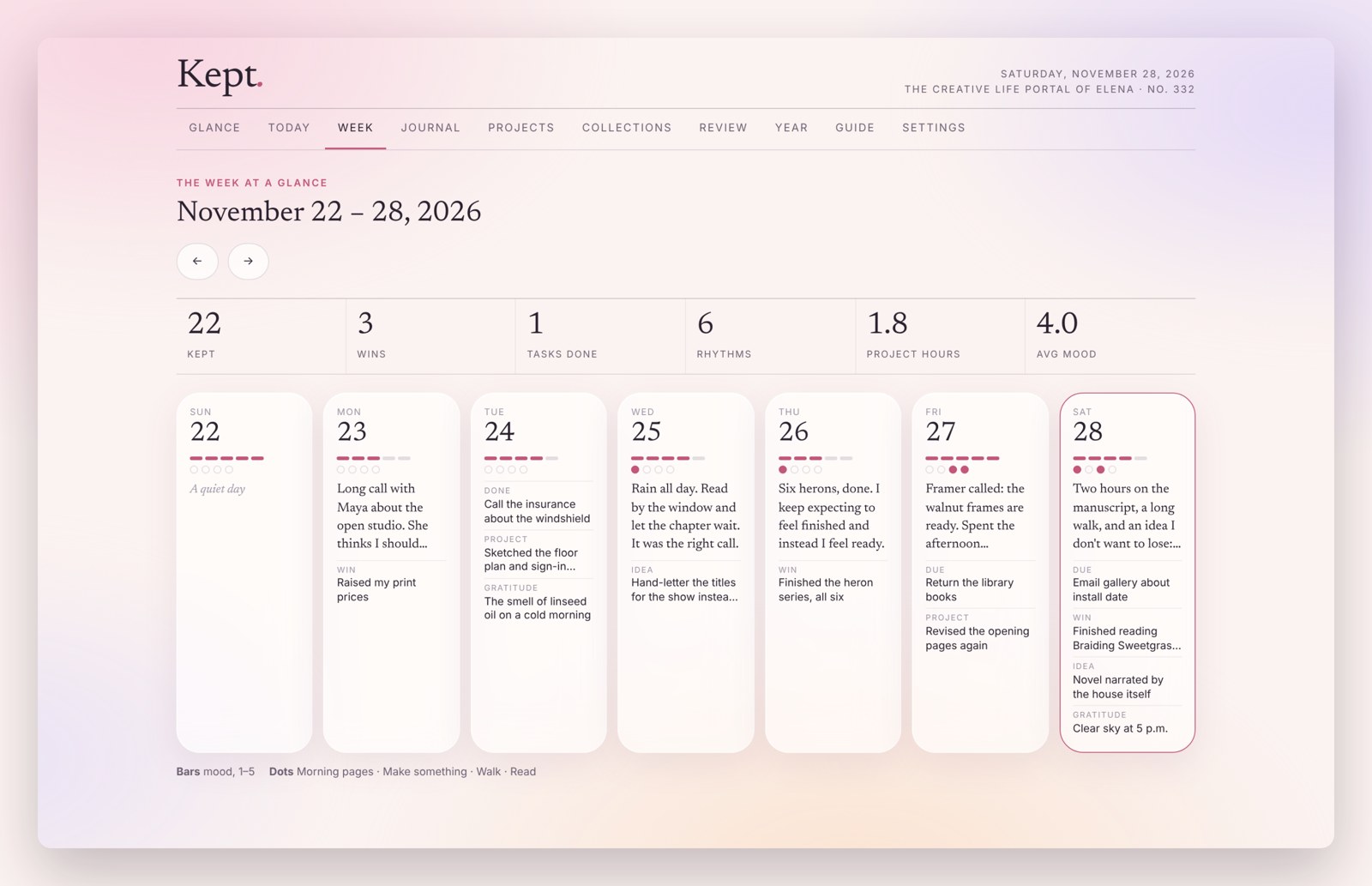
  • Week: seven days side by side, each with its mood, habits and journal line.
  • Year: every day you kept something, your totals and twelve month cards.
The Week view: seven day cards with mood bars, habit dots and journal lines

A planner that does the planning

Share the load, keep the thread.

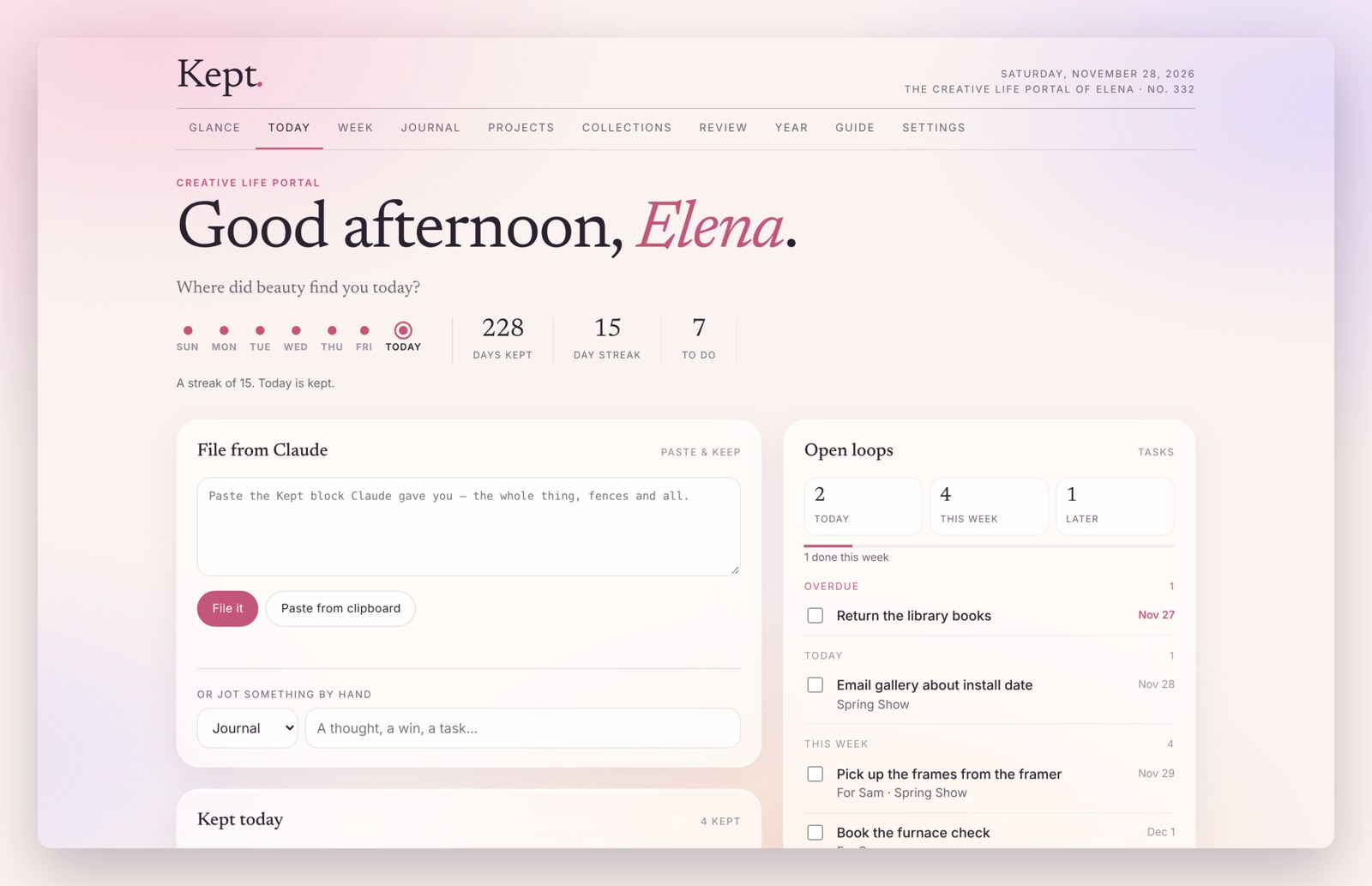
  • To-dos with due dates, sorted into Today, This week and Later.
  • Shared tasks: say “Sam needs to book the furnace check by Thursday” and copy Sam's list to text him.
  • Habit, goal and mood tracking that Claude updates as you talk.
  • Weekly and monthly reviews: Claude finds your wins, notices patterns and suggests three priorities.
  • 26 click-to-copy prompts for capturing, planning and reflecting.
The Today view with tasks grouped by Today, This week and Later

Three looks, one planner

Quiet paper, soft light, or living scenes.

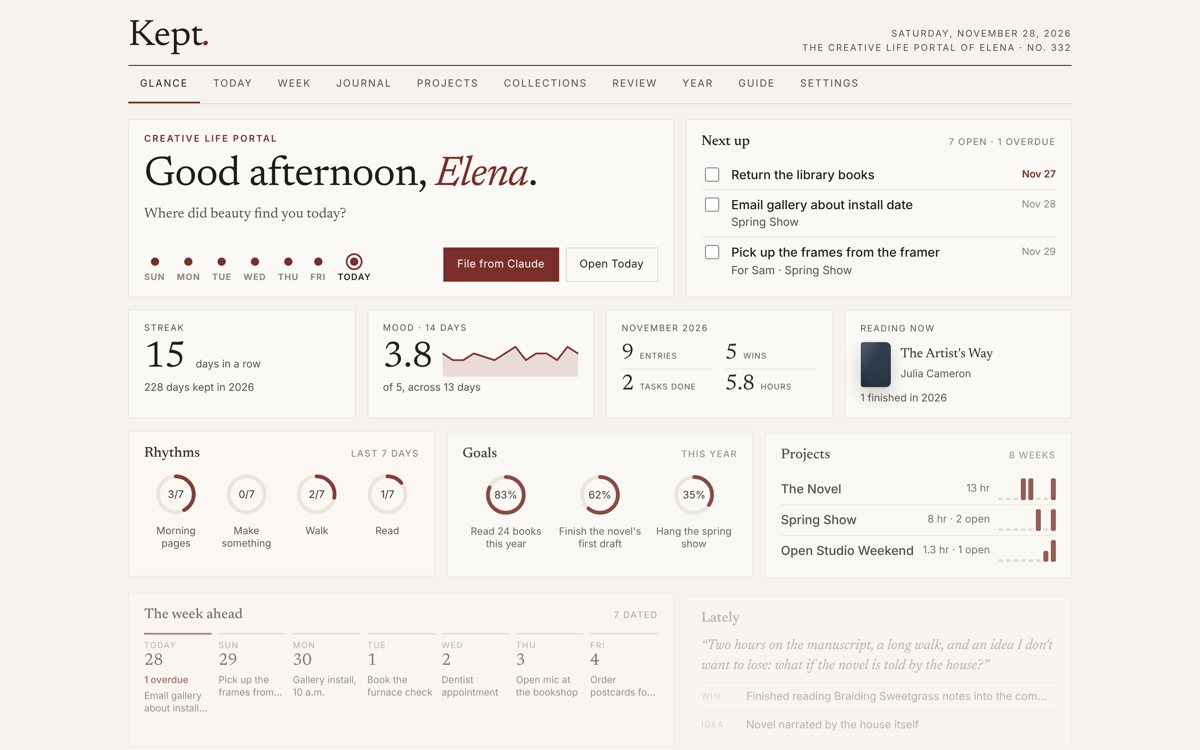
Editorial look: warm paper and ink

Editorial

Paper, ink and one accent, with light and dark modes.

Soft look: blush and lilac light behind frosted glass

Soft

Blush and lilac light drifting behind frosted glass.

Cinematic look: a golden field scene behind dark glass

Cinematic

Nine animated scenes, or your own photographs.

Cinematic edition

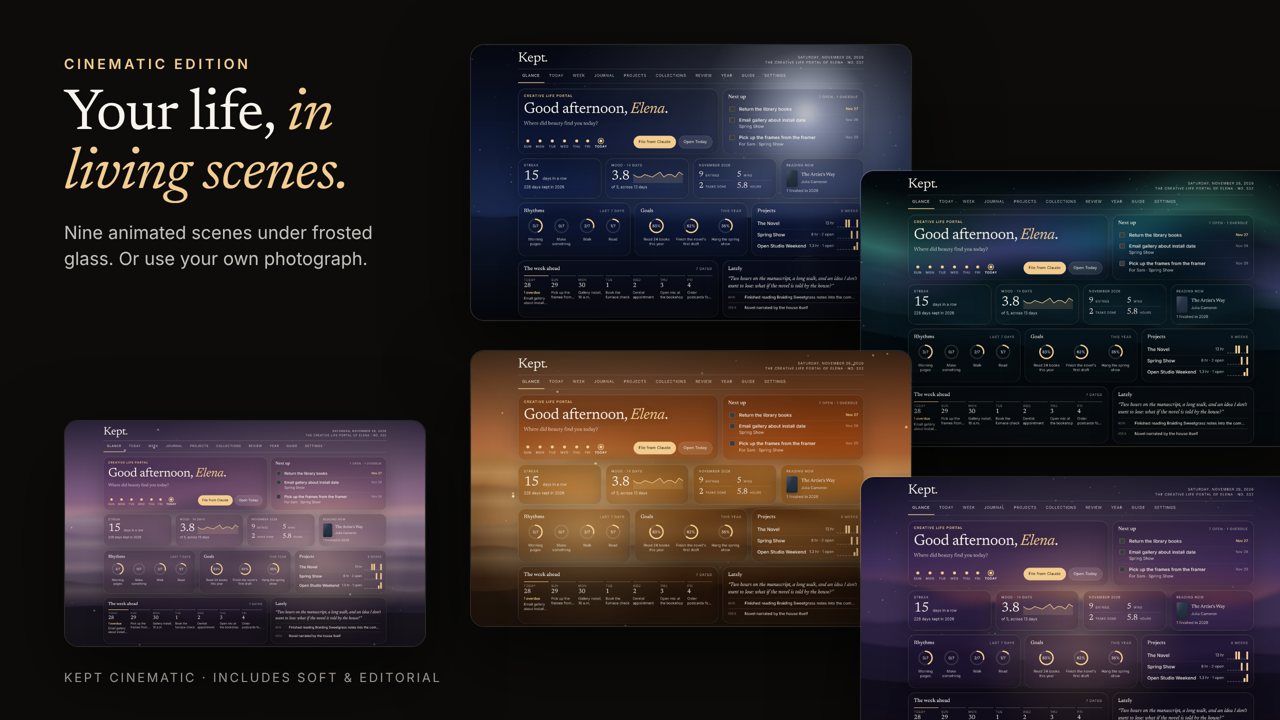
Your life, in living scenes.

Dawn mist, a moonlit lake, lamplight, northern lights. Each portal has its own slowly moving scene under frosted glass. Or drop in a photograph of your own.

Five Cinematic scenes shown behind the Kept dashboard

A living record

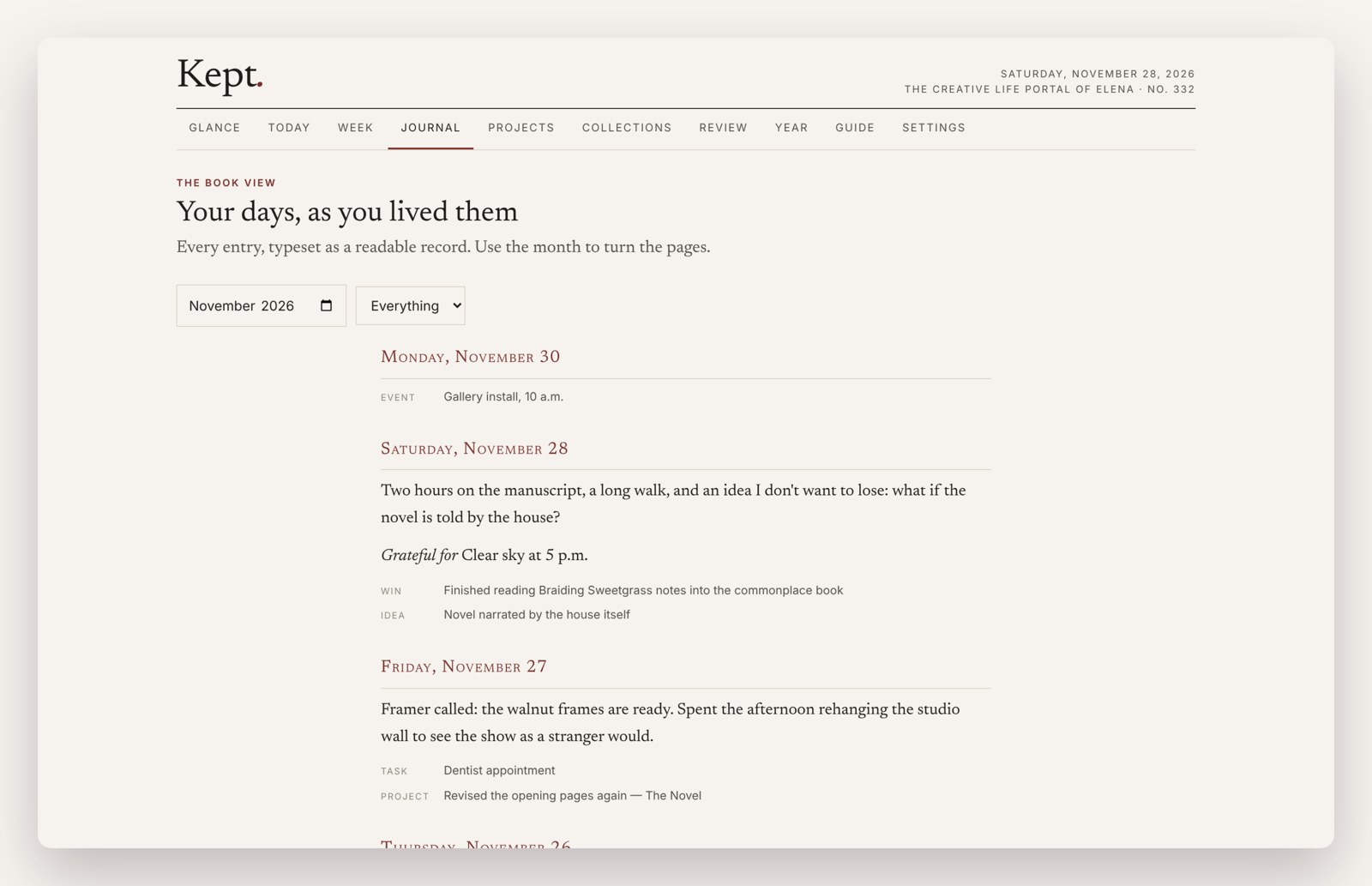
Your days read like a book.

Every entry is typeset as a journal you'll want to reread. Each month Claude writes your review and a foreword, and Kept turns the month into a print-ready 6×9 volume.

The Journal view: entries typeset like a book

Ten portals for every season

Choose the one that fits this season of your life.

LifeCreative LifeLife ResetResearch & WritingSolopreneurMotherhoodWeddingCollege AdmissionsHome & DesignHousehold

Each has its own areas, habits, daily prompts and review questions. Switch whenever your life does. Kept is undated, so it works for 2027 and every year after.

Set up in five minutes

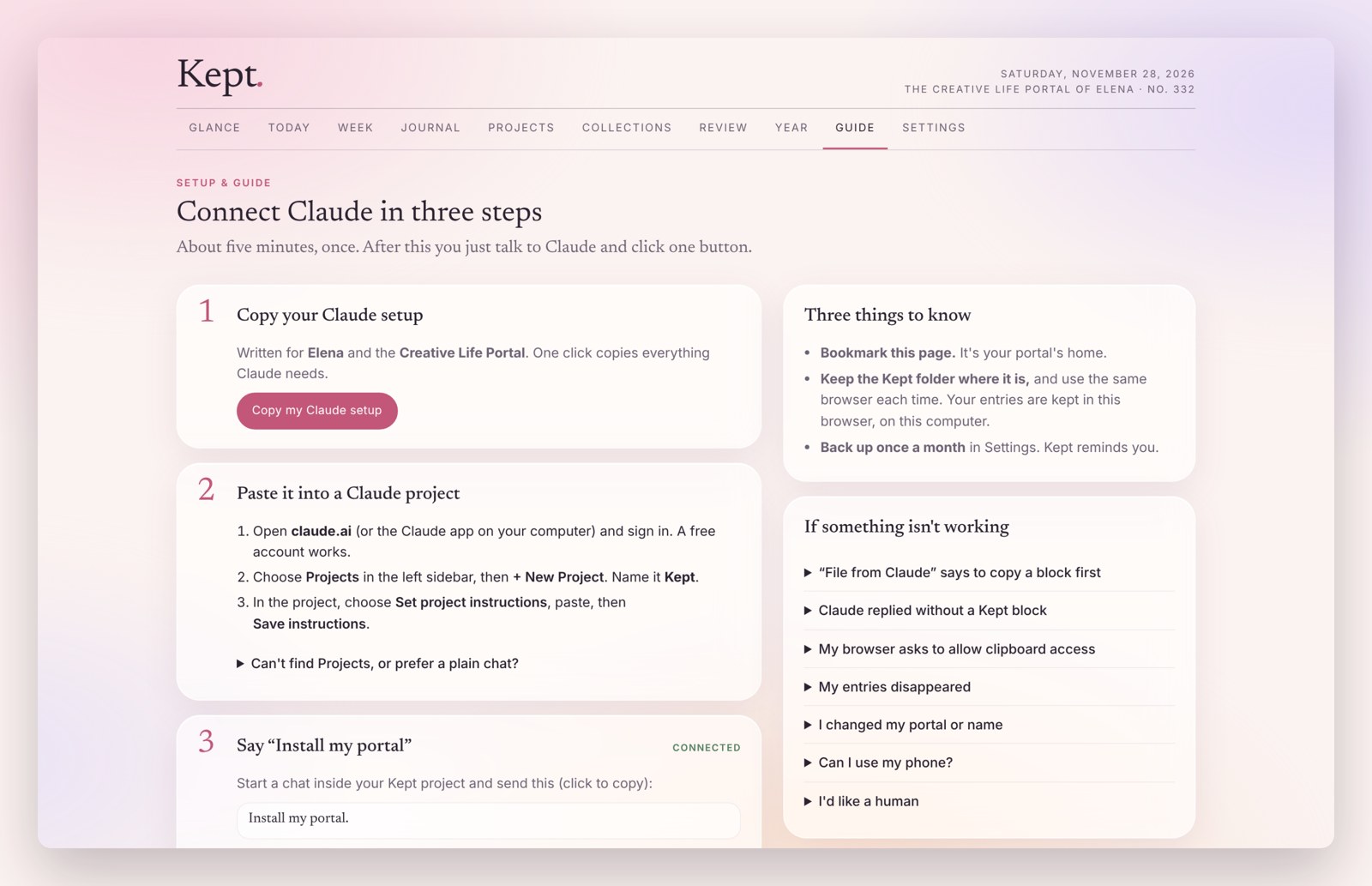
The dashboard installs itself.

  • Open the dashboard and type your name.
  • Click Copy my Claude setup. It's written for you.
  • Paste it into a Claude project and say “Install my portal.”

No code, no Notion, no subscription. A free Claude account works.

The built-in setup guide with three numbered steps

Get Kept

One purchase. Yours to keep.

Essentials
$39

The Soft and Editorial looks and every feature: Glance, Week, Year, journal, reviews, shared to-dos, ten portals and the print-ready monthly volume.

Get Essentials
Cinematic · everything
$59

Everything in Essentials, plus the Cinematic look: nine animated scenes and your own photographs as full-screen backgrounds.

Get Cinematic

Instant download through Gumroad. You'll need a Mac or Windows computer and your own Claude account.

Questions

Good to know

What do I need?

A Mac or Windows computer with a web browser, and your own Claude account. The free plan works. Once Kept is set up, you can talk to Claude from your phone anywhere.

Is it a Notion template?

No. Kept is a dashboard file that opens in your browser and works without Notion. If you'd like your records in Notion or Google Sheets too, export them as CSV any time.

Is it an app? Does it work on my phone?

The dashboard is not a phone app; it lives on your computer. Your conversations with Claude can happen on any device, and the blocks wait in your chat until you're next at your computer.

Where are my entries kept?

In your own browser, on your own computer. Kept has no server and collects nothing. A one-click backup moves your records to a new computer, and Kept reminds you to back up monthly.

What's the difference between the two versions?

Features are identical. Cinematic adds the third look: nine animated scenes and your own photos as backgrounds. Essentials includes the Soft and Editorial looks.

Is there a subscription?

No. Kept is a one-time purchase with a personal-use license.

Can I get a refund?

Because Kept is an instant digital download, all sales are final. If something isn't working, message the shop you bought it from and you'll get help setting up.